
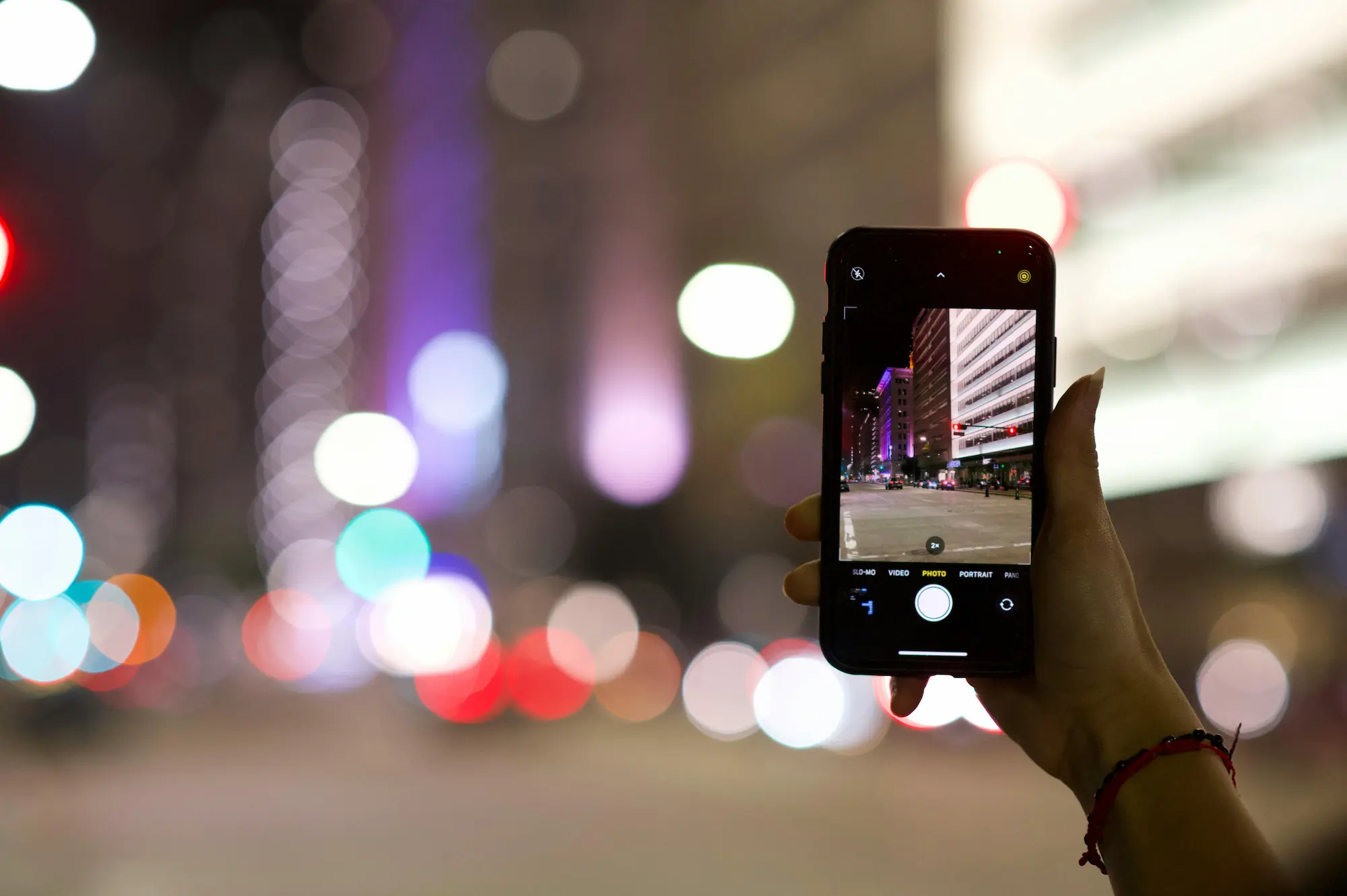
How Phone Cameras Actually Capture Light
An article by Dave Hibbins exploring how phone cameras work.
Most of us carry a camera every day, pull it out dozens of times a week, and trust it to record moments that matter —
We tap the screen, the image appears, and we move on. But inside that brief moment, your phone is doing something
surprisingly complex: gathering light, measuring it, interpreting it, and rebuilding it into a photograph — all in
a fraction of a second.
Understanding how phone cameras work doesn’t turn photography into something technical or intimidating.
It does the opposite. It removes guesswork. It explains why some photos feel clear and others fall apart,
even when you’re standing in the same place.
At its core, phone photography is still photography. And photography has always begun with light.
If you understand the journey of light through your phone, you’ll make better choices automatically — without chasing
settings, apps, or gear upgrades.
Every photo starts the same way: with light
No matter what camera you use, the process is always the same: light reflects off a scene, enters the camera,
hits a light-sensitive surface, and becomes an image. That’s the foundation of how phone cameras work.
Phone cameras aren’t “cheating” by using software. They’re adapting to real physical limits. Once you understand that,
phone photography stops feeling mysterious and starts feeling predictable — in a good way.
Step 1: Light enters through the lens
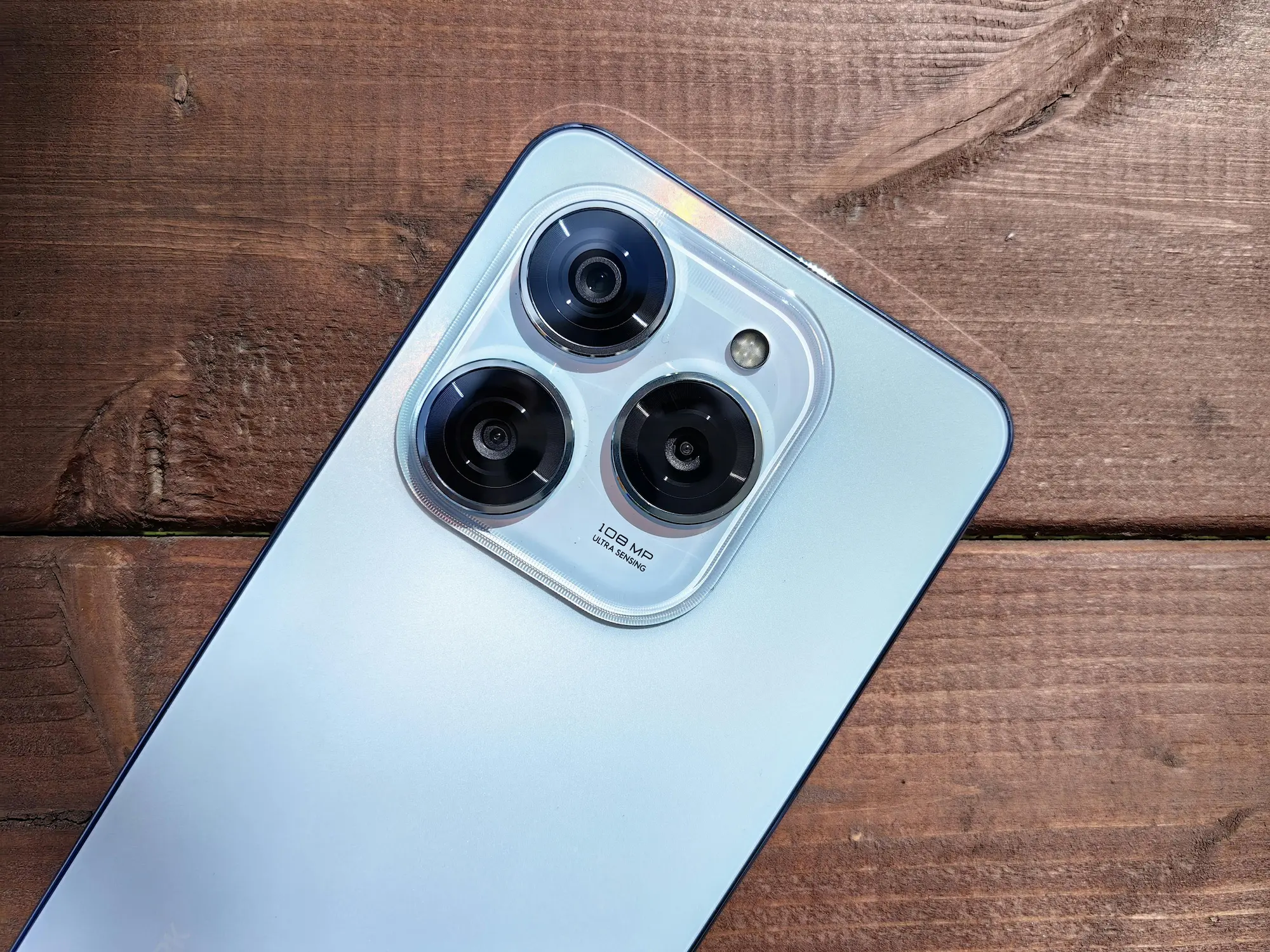
The first step is simple: light enters your phone through the lens. Phone lenses are incredibly small, designed to
sit inside a device that fits in your pocket.
Because of this size, the lens can’t gather as much light as a larger camera lens. That limitation is a big part of
how phone cameras work in real life: bright scenes look clean and sharp, while dim scenes demand help
from processing.
- Phone lenses are optimized for speed and convenience.
- They typically have fixed designs with limited physical control.
- They perform best when the scene provides enough light to work with.
Step 2: The aperture is a fixed window for light
In traditional cameras, the aperture opens and closes to control how much light enters the lens. On most phones,
the aperture is fixed. Your phone can’t physically “stop down” like a DSLR.
This is a quiet but important detail in how phone cameras work:
the phone often controls brightness using shutter speed, ISO, and software — rather than changing the aperture.
It also explains why natural background blur is limited on phones. When you see strong blur in portrait mode, that’s
usually a software decision, not a lens decision.
Step 3: The sensor is where light becomes data
After passing through the lens, light reaches the sensor — the heart of the camera. The sensor is covered in millions
of tiny light-sensitive points. Each one measures how much light hits it.
Here’s the key: phone sensors are small. That fact shapes almost everything about how phone cameras work.
Smaller sensors have less surface area to gather light, which makes low-light scenes harder and noise more likely.
Modern phones are impressive because they compensate so well. But the compensation has a “feel” to it:
night images may look smoother, brighter, and sometimes slightly less natural than what your eyes remember.
Step 4: How phones capture color
Sensors don’t naturally see color — they measure brightness. To capture color, phone cameras place tiny red, green,
and blue filters over different sensor points. The phone then reconstructs full-color pixels by combining that data.
This reconstruction is part of how phone cameras work behind the scenes, and it’s one reason different
phones produce different “looks” even in the same light. Color is not just recorded — it’s interpreted.
Step 5: Shutter speed controls time
Most phones use an electronic shutter. When you take a photo, the sensor gathers light for a certain amount of time,
then stops. Short time = frozen motion. Longer time = brighter image, but more risk of blur.
This is why how phone cameras work becomes very noticeable at night: the phone often needs a longer
exposure to gather enough light, so moving subjects blur more easily.
In bright daylight, the phone can use a fast shutter speed and everything looks crisp. In dim light, the phone must
choose between brightness and sharpness — and it often tries to balance both with software.
Step 6: ISO boosts the signal (and the noise)
When there isn’t enough light, the phone increases ISO — which amplifies the captured signal. Higher ISO brightens
the image, but it also amplifies noise.
This is another crucial part of how phone cameras work: phones often apply heavy noise reduction to keep
images clean, which can smooth out fine details and textures.
If you’ve ever looked at a night photo and thought, “It’s bright, but it feels a bit soft,” you’re seeing the tradeoff:
brightness and cleanliness versus natural texture.
Step 7: The software steps in (computational photography)
This is where phones truly separate themselves from traditional cameras. A phone rarely relies on just one frame.
It may capture multiple frames, align them, merge them, brighten shadows, protect highlights, and reduce noise — all instantly.
Features like HDR, night mode, and portrait mode are software-driven responses to physical limits. This is not a gimmick —
it’s simply how phone cameras work when the hardware is small and the expectations are high.
Sometimes this looks stunning. Sometimes it can flatten mood, remove subtle shadows, or over-smooth skin. Once you recognize
the phone is “interpreting,” you can shoot in ways that give it less to fight against.
Why good light still wins
No amount of processing can replace good light. Soft light produces gentle transitions. Directional light creates depth.
Clean, simple light makes subjects readable.
If you want to improve fast, focus less on features and more on conditions. This is the practical takeaway from learning
how phone cameras work: give your phone better light and simpler scenes, and it will reward you immediately.
What this changes about how you shoot
You don’t need manual mode to benefit. Once you understand how phone cameras work, you naturally start to:
- Move toward better light instead of fighting bad light.
- Avoid extreme contrast that forces heavy processing.
- Wait for still moments in low light to reduce blur.
- Simplify the frame so your subject reads clearly on a small screen.
Photography becomes calmer and more consistent — not because the phone changed, but because your decisions did.
Frequently Asked Questions
How do phone cameras work compared to regular cameras?
The basic principles are the same: lens, sensor, light, exposure. The biggest difference is that phones rely far more
on software because the lenses and sensors are physically smaller. That balance of hardware plus processing is central to
how phone cameras work today.
Why do phone photos struggle in low light?
Small sensors gather less light, which increases noise. To compensate, the phone uses longer exposures, higher ISO,
and heavier processing. That’s why low-light images can look smoother or softer.
What is computational photography?
It’s the use of software to combine and enhance multiple frames into a single final photo — improving brightness,
dynamic range, and noise levels.
Is portrait mode real depth of field?
Usually not. Portrait mode blur is typically simulated using subject detection and depth mapping. It can look great,
but it’s a software interpretation rather than natural optical blur.
Can understanding how phone cameras work improve my photos?
Yes. It helps you choose better light, avoid common low-light problems, and shoot with more intention — which matters
more than chasing settings.
Do I need manual controls to take better phone photos?
Not at first. The fastest improvement comes from light, framing, and timing. Manual controls can help later, but they’re
not required to see a big jump in quality.
A quiet truth about phone photography
Your phone isn’t trying to be a professional camera. It’s trying to make fast decisions with limited light.
When you understand how phone cameras work, photography stops feeling unpredictable — and starts feeling intentional.
Want to improve faster without guessing?
If you prefer guided, step-by-step practice, I’ve created short phone photography improvement sessions designed to build clarity — not overwhelm.
These sessions focus on making better decisions with the camera you already have.